Fix a record's location on the map
Move a point that sits in the wrong place, find where to fix a boundary or line, and what to do when a photo has no GPS location.
Editors and admins can fix where a record sits on the map. Open the record and click Edit: the form shows the record's current location. Add, edit and delete records lists the other ways to open the form.
Move a point
On a computer:
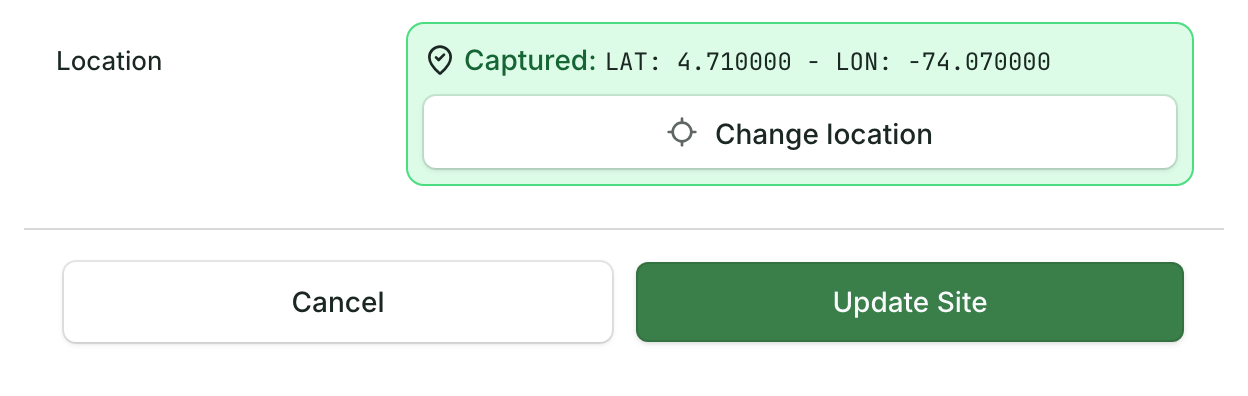
- In the form, click Change location.
- Click the right spot on the map. The form shows the new coordinates next to Captured:.
- Click Update followed by the record type, for example Update Tree, to save.
On a phone or tablet the button is Capture GPS Point. It records where the phone is now, not a spot you pick on the map:
- Stand at the right place and tap Capture GPS Point.
- Wait for the accuracy to settle, then tap Capture Best Point.
- Tap Update to save.
What the accuracy messages mean, and how to get a better reading: see Take photos and GPS points in the field.
On a phone, if the field allows it, the form also shows Pick point on map: tap it, then tap the right spot on the map. Otherwise, to put a point somewhere you are not standing, use a computer.
Fix a boundary or line
A boundary or line is fixed in the same form. Edit Polygon (or Edit Line) lets you move its corners; the button reads Redraw Polygon when the shape has holes or several parts. For the steps, and for walking a boundary again with your phone, see Draw a boundary, line or point on the map.
A photo with no GPS location
A photo's location is stored inside the photo file (its EXIF data) by the camera that took it. Many photos lose it: the camera had location turned off, or the photo was sent through a chat app or edited before it was uploaded. When a photo arrives without one, the app may save a stand-in, such as where your phone was or the record's location, and the photo viewer shows that. With no location at all, the viewer in some apps shows No GPS at the top of the photo.
The app can't add a location to a photo after the fact. What you can do:
- Fix the record's own location, as above. The record sits in the right place on the map even when its photo has no location.
- Keep the location next time. Read why field photos lose their GPS location and what EXIF location data is.